 Galaxy Camera Revived
Android 14 for the Samsung Galaxy Camera
A lightweight LineageOS 21 build for the Galaxy Camera and Galaxy Camera 2 that keeps what makes them cameras: the zoom lever, the shutter button, manual exposure, optical stabilisation and the pop-up flash. And it adds RAW photos.
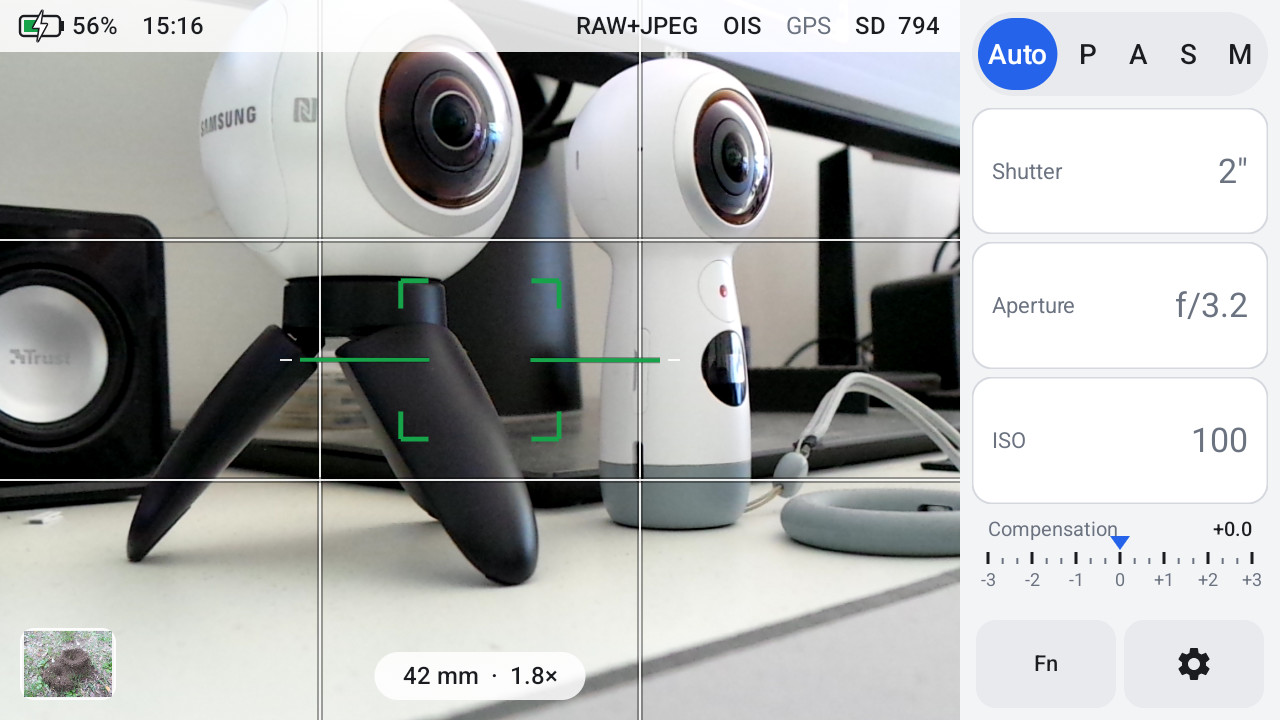
Built for photography
The zoom lever zooms
Slow and fast stages drive the 21x optical zoom, as on the stock firmware.
A real shutter button
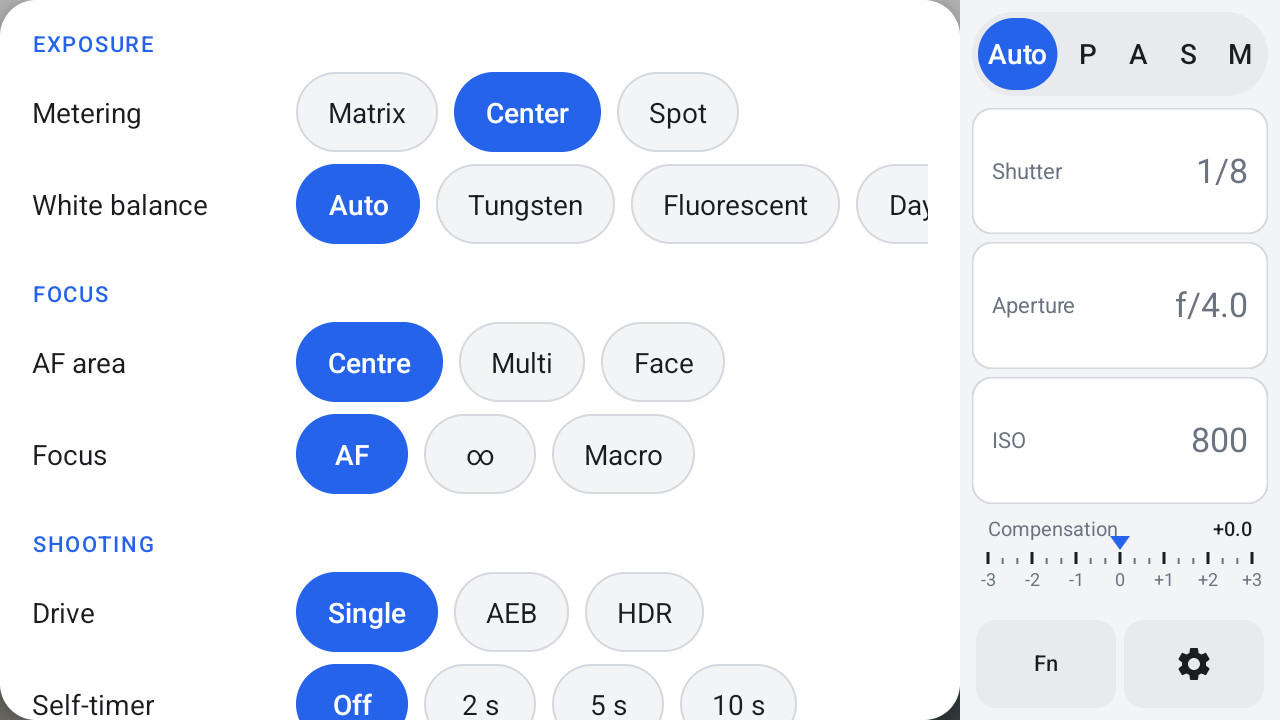
Half press to focus, full press to shoot. Tap the screen to pick the focus point.
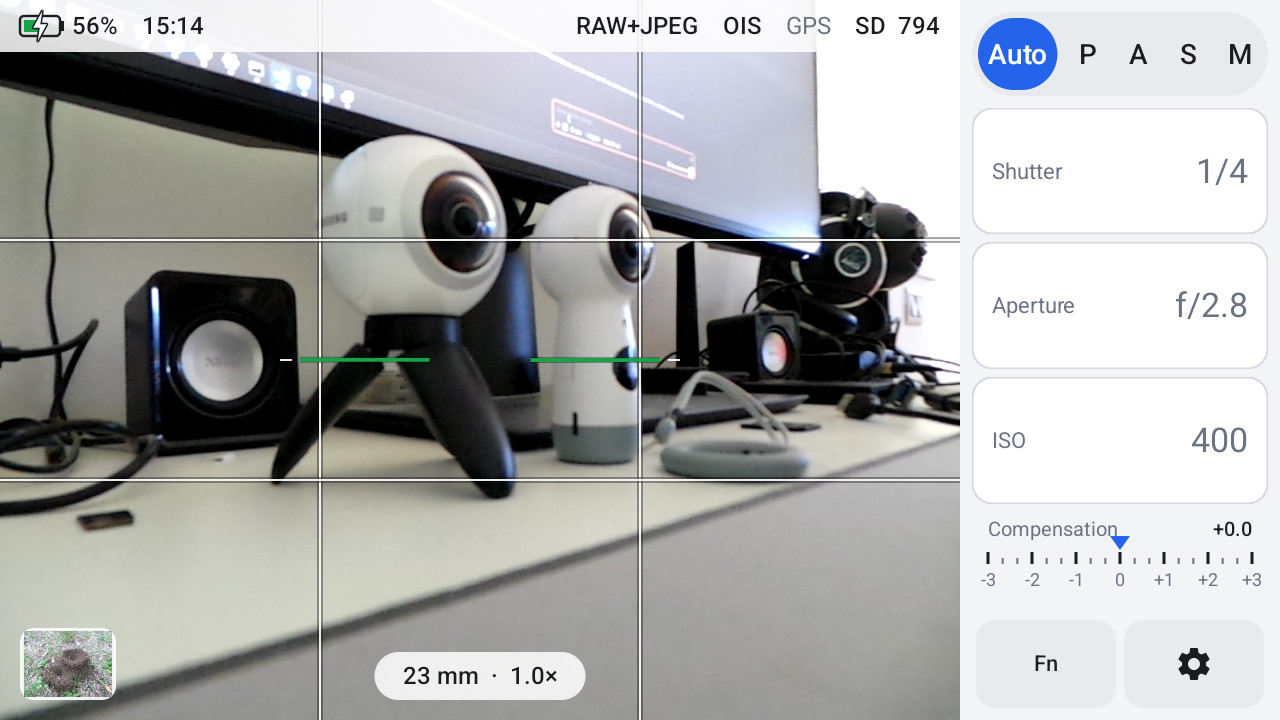
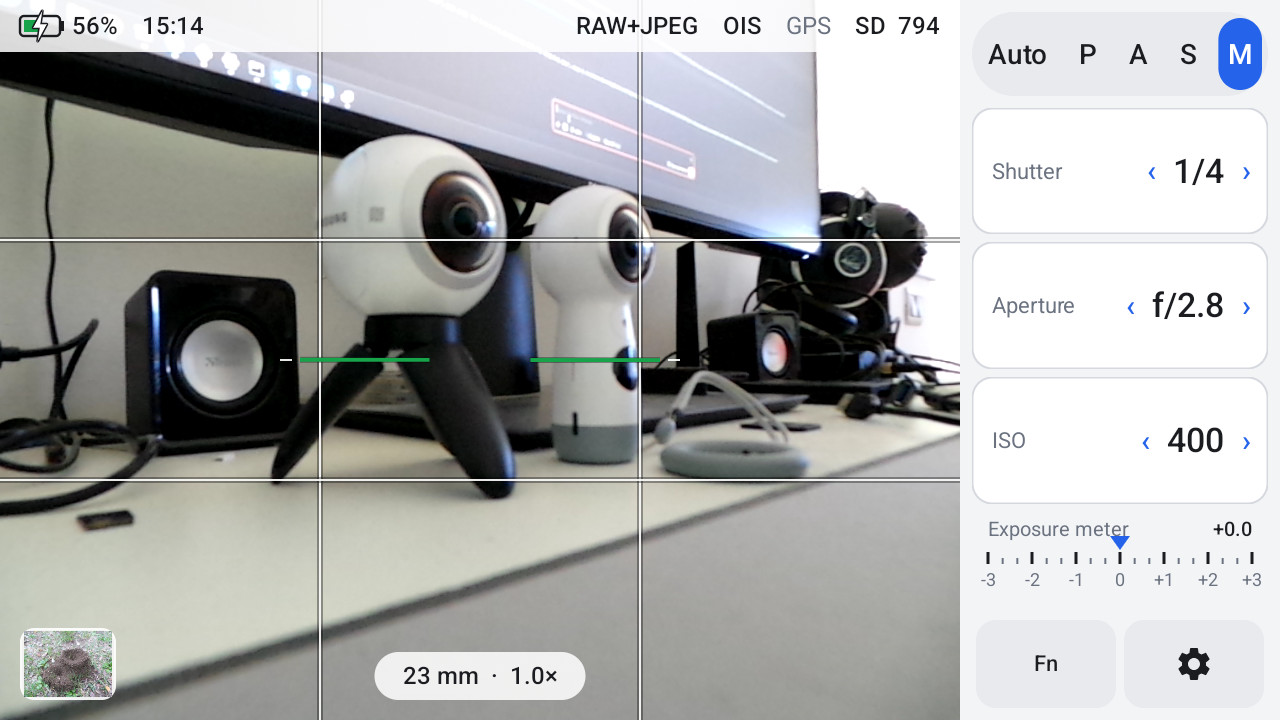
P, A, S and M
Set aperture, shutter speed and ISO yourself, with an exposure meter in M.
RAW (DNG)
The sensor's own data next to every JPEG, for Lightroom, Camera Raw and RawTherapee. A lens profile is included.
OIS and the pop-up flash
Optical stabilisation on or off. Raise the flash to use it, close it to turn it off.
Photos to the computer over Wi-Fi
Copy the new photos into a folder from the browser. No app to install.
Camera-first and light
No Google services and no phone apps: only what a camera needs, with its own camera and gallery apps.
GC Camera and GC Gallery
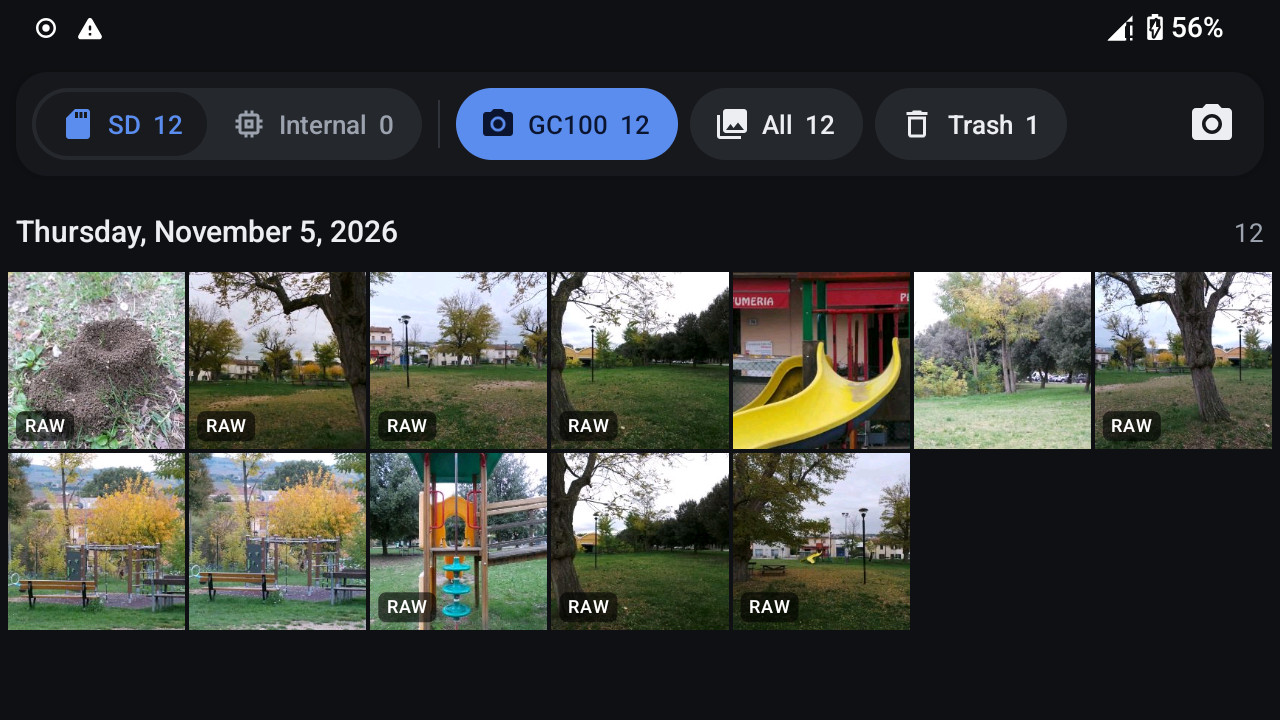
What works
| Camera, zoom, autofocus, P/A/S/M, OIS, flash, RAW | Works |
| Wi-Fi, Bluetooth, GPS, audio, sensors, microSD | Works (Wi-Fi on 2.4 GHz) |
| Photo transfer over Wi-Fi, from the browser | Works |
| 3G mobile data and SMS | Works on the GC100 |
| Micro-HDMI | The live view and the photo you are viewing, 480p to 1080p |
| Video recording, NFC | Not supported |
| Updates | By flashing a newer release; your data is kept |
The full list is in the README.
Download
Every file name starts with its model. Download only the files for your model (Settings → About device → Model number) and never flash one model's files on the other.
Galaxy Camera EK-GC100
EK-GC100-minirecovery.tar.md5EK-GC100-system-<date>.tar.md5EK-GC100-lens-profile.lcp
Samsung firmware to keep: GC100XXBMC4
Galaxy Camera 2 EK-GC200
EK-GC200-minirecovery.tar.md5EK-GC200-system-<date>.tar.md5EK-GC200-lens-profile.lcp
Samsung firmware to keep: GC200XXUCNK4
SHA256SUMS has the checksums of all the files.
Install
- Download Samsung's official firmware for your camera and keep it: it is your way back.
- Flash the mini recovery for your model with Odin, and back up the camera's own partitions.
- Flash the system for your model with Odin, then do a factory reset from the mini recovery.
- The first boot takes a few minutes. Insert a microSD card and start shooting.
Questions
Which models are supported?
The Galaxy Camera EK-GC100 and the Galaxy Camera 2 EK-GC200. Each has its own files: never flash one model's files on the other. The GC110 and GC120 are not supported.
Can I go back to Samsung's firmware?
Yes, with Odin, at any time. The install guide explains how.
Does it have Google Play?
No. There are no Google services and no app store; other apps install as APK files.
How do I update?
Flash the new system package for your model with Odin. Photos, apps and settings are kept.
Where do I report a problem?
Open an issue on GitHub, with your model and the steps that lead to it.