 BtCarKey
Your phone is the car key.
BtCarKey is a free, open-source Android app for Bluetooth LE car boxes. Unlock, lock and open the trunk with a tap, or let the car unlock as you walk up and lock as you walk away. No account, no cloud, gentle on the battery.
- Android 10+
- No Internet permission
- GPL-3.0
- English · Italiano

Everything the remote does, and more
Written from scratch to replace the box's original app, which needs an account, polls the box all the time and drains the battery.
Car commands
Unlock, lock, trunk, lower windows and remote start, plus the remote's buttons held down. Risky commands need a long press.
Hands-free smart unlock
Unlocks when you get close and locks when you walk away, with the app closed. Guided calibration, cooldown against pass-bys, pause button.
Gentle on the battery
No background scanning and no polling. The Bluetooth controller waits for the car while the phone sleeps.
Keys stay on your phone
Each box's key is encrypted with the Android Keystore. Showing or exporting it asks for your fingerprint or PIN.
No account, no cloud
The app doesn't even ask for the Internet permission. Nothing is collected, nothing leaves the phone.
Several cars, one app
Add boxes by scanning or by importing a known key. Light and dark theme, accent colors, home buttons you choose.
Screenshots
Taken on a Galaxy S25 Ultra connected to the project's ESP32 box simulator.
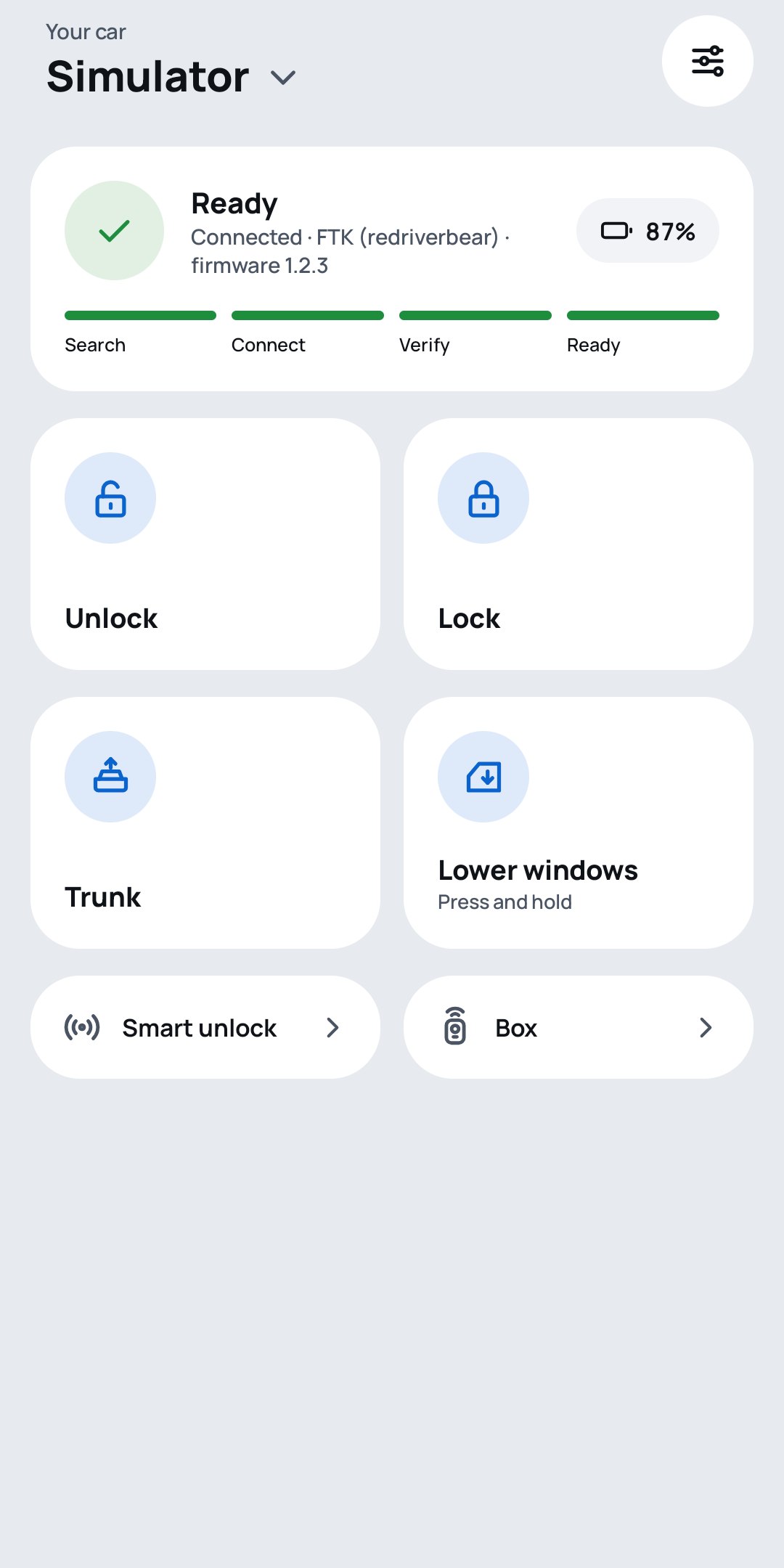
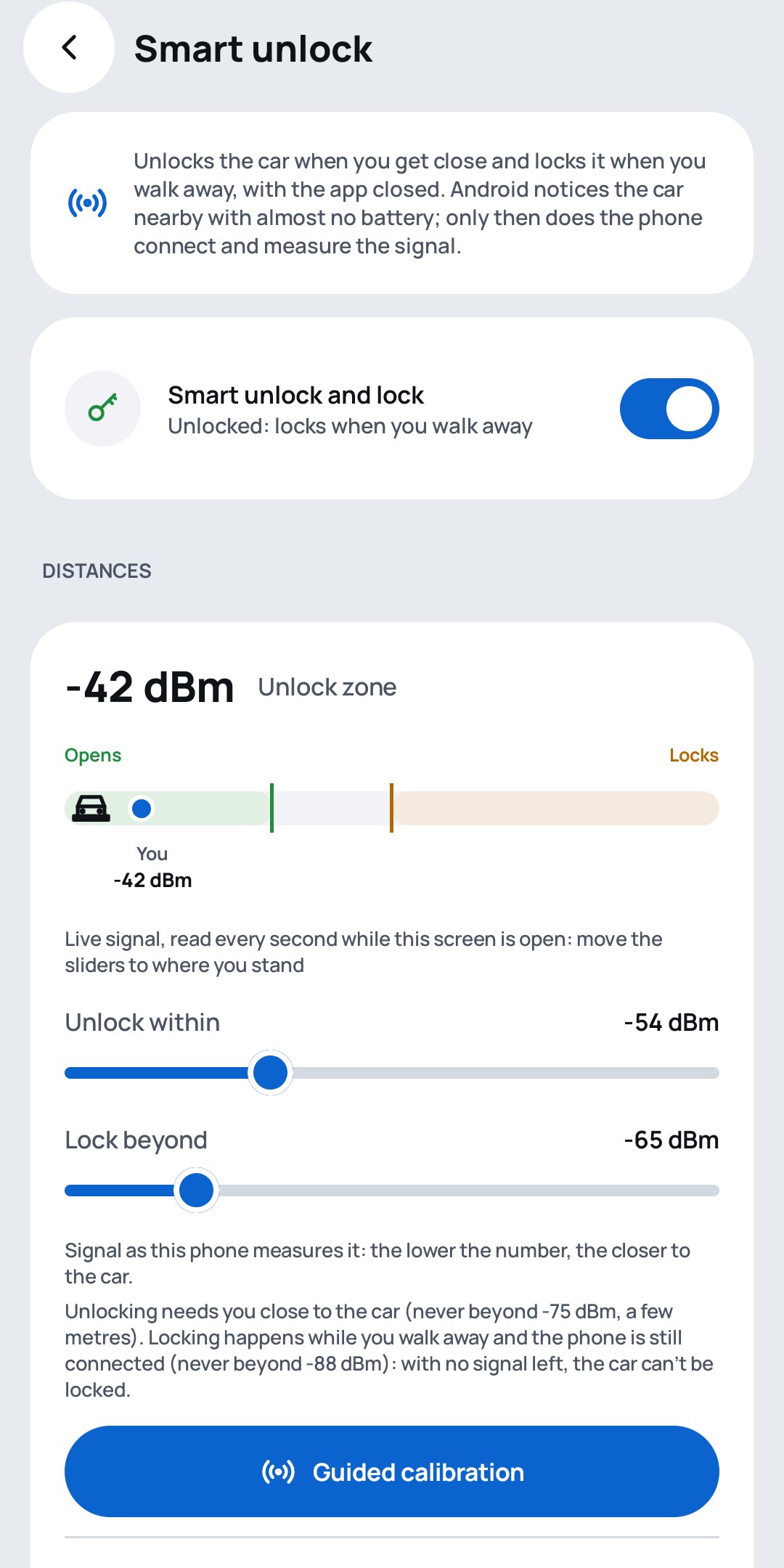
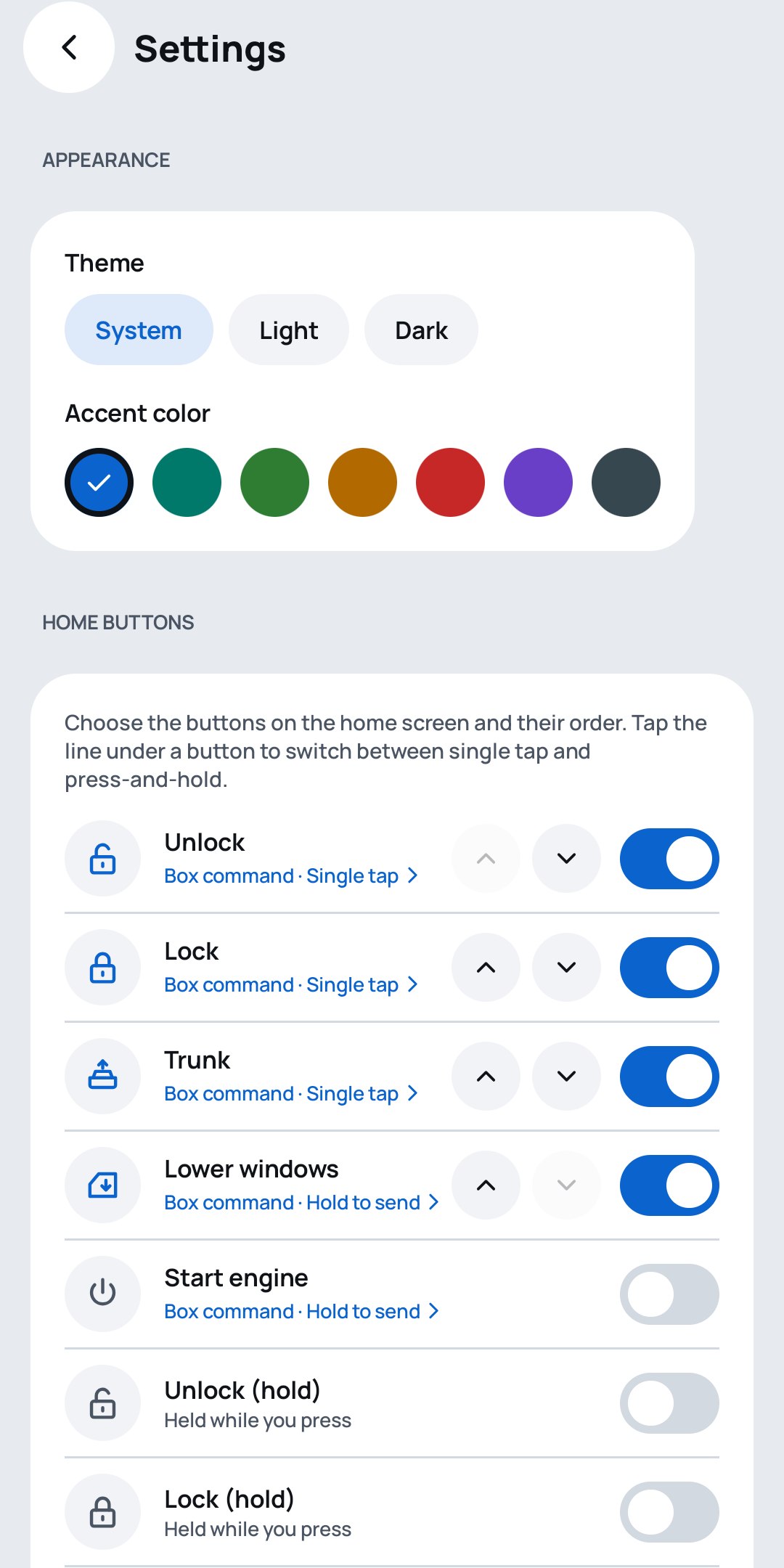
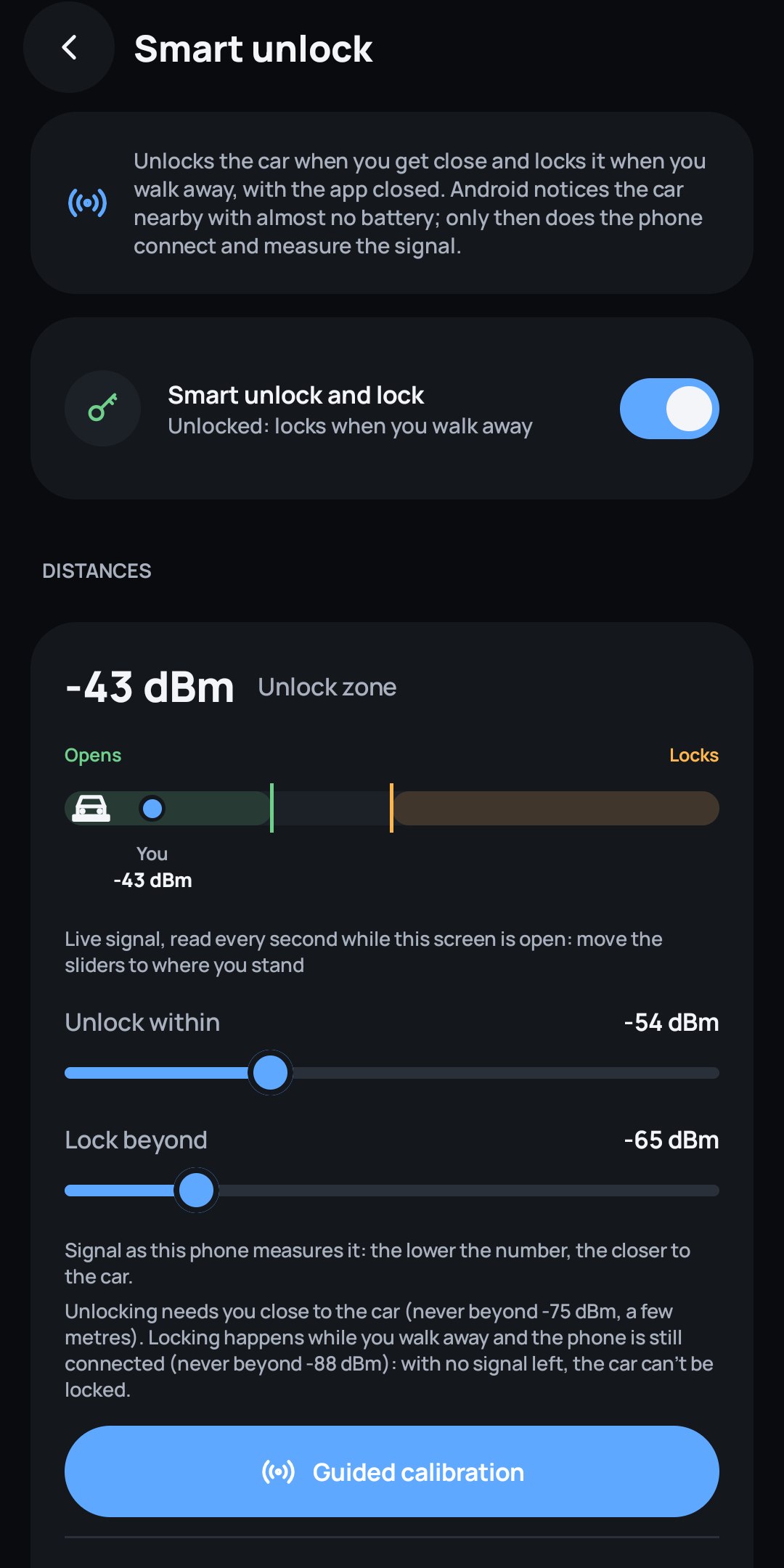
How smart unlock works
Keyless entry without a key fob in your pocket, and without keeping the phone connected all day.
- The car is paired once as a companion device. From then on Android itself notices when it comes into range, even with the app closed.
- Only then does the phone connect and read the signal strength, about once a second.
- Strong enough for a few readings in a row: the car unlocks. Walking away, below the lock threshold: the car locks and the phone lets go.
- Safety limits are built in: unlocking needs you within a few metres, an optional check requires the phone to be unlocked, and repeated pass-bys suspend smart unlock.
Compatibility
BtCarKey works with aftermarket Bluetooth LE car boxes that speak the FTK protocol, the ones sold with the "redriverbear" app. The protocol is documented in the repository, and the app is built so that other Bluetooth car keys can be added. Android 10 or newer; smart unlock needs Android 12 or newer.
Frequently asked questions
Can I use my phone as a car key?
Yes, if the car has a Bluetooth LE keyless box installed. BtCarKey talks to the box directly over Bluetooth Low Energy and sends the same commands as the remote: unlock, lock, trunk, windows and remote start.
Which boxes does BtCarKey work with?
Today it supports the FTK protocol, used by the aftermarket car boxes sold with the "redriverbear" app. The app is built around a protocol interface, so other Bluetooth car keys can be added.
Does it need an Internet connection or an account?
No. BtCarKey does not even request the Internet permission: there is no account, no cloud and no tracking. The keys stay on the phone, encrypted with the Android Keystore.
How does smart unlock work?
Android notices the car in range with its own low-power scanning, even with the app closed. Only then does the phone connect and read the signal strength: it unlocks when you are close and locks when you walk away.
Does it drain the battery?
No. There is no background scanning and no polling. Waiting for the car is left to the Bluetooth controller, and smart unlock only works for the few minutes you are near the car.
Is it free?
Yes. BtCarKey is free and open source under the GNU GPL v3, with no ads.